Centered caption blocks
Documentaries and interviews often center their captions. Park the mask mid-frame; the caption remover from video repairs exactly that block and leaves the speaker visible around it.
A caption remover from video frames that follows your caption wherever it sits — center, top or corner. Select the caption region, preview the repair on a real frame, and export with the audio track and frame order untouched. Short clips online during the beta; everything else in the Windows app.
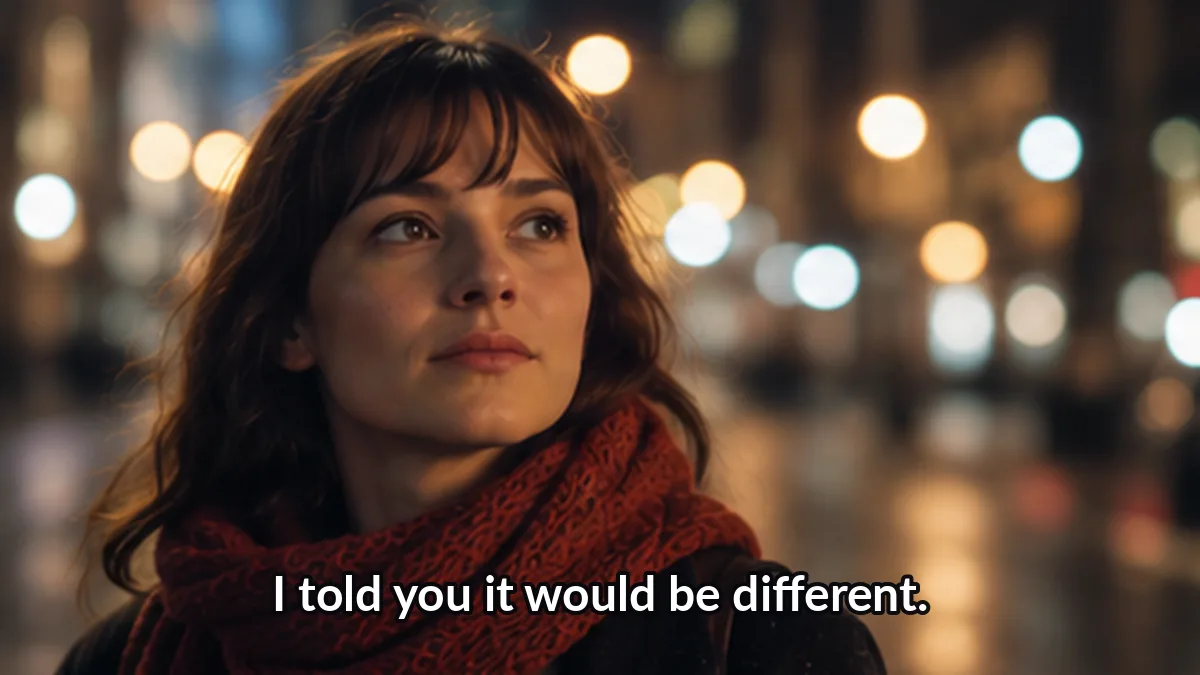 Before
 After
AfterFree · runs in your browser · clips up to 60 s, 100 MB · output up to 720pYour file never leaves this tab — loading, masking and repair all happen locally.
Interactive previewCaptions are not always at the bottom — this caption remover from video lets you park the mask anywhere, including corners and center blocks. Online jobs (≤60 s) open with the beta; the Windows app takes files of any length.
Position is the theme of this page. A caption remover from video that only assumes a bottom band fails on half the uploads people actually bring — so this one follows your selection.
Documentaries and interviews often center their captions. Park the mask mid-frame; the caption remover from video repairs exactly that block and leaves the speaker visible around it.
News tickers and top chyrons sit high in the frame. Draw the box up there — a caption remover from video that only knows the bottom band would miss them entirely.
Small corner captions with text. The patch is tiny, so this caption remover from video case usually rebuilds invisibly.
Speaker banners with role text. One mask covers the whole banner — when a caption remover from video cleans these, no stray tail of the graphic survives.
Where the caption crosses a body, the repair keeps motion plausible but we will not promise face reconstruction — the caption remover from video marks the risk and lets you judge in preview.
Top ticker plus bottom captions at once? Add a region for each; this caption remover from video repairs up to five zones in one export.
Select, preview, export. The caption remover from video keeps the decision in your hands at the only step where it matters.
Load an MP4, MOV or WebM and pause on a frame where the caption is complete. The caption remover from video starts every job from your reference frame.
Drag the box over the caption — middle, top, corner. Because this caption remover from video repairs the region you define, position never limits the tool.
Flip between before and after at full size. If the caption edge still shows, grow the box a few pixels — the caption remover from video reruns the patch instantly.
Download the cleaned MP4: original audio, original duration, original frame order. Only the caption region you selected was touched.
Honest boundaries for region repair — read them before your first export.
When a caption crosses a face, the caption remover from video rebuilds plausible skin, not the real face. We flag it instead of overpromising.
Text over foliage, crowds or rain gets softer patches. Preview is one click away for a reason.
Captions that teleport around the frame need per-segment masks. Slow drift is fine — hard jumps are manual work in any caption remover from video.
A caption remover from video edits pixels, not ownership. Clean only the footage you are allowed to modify.
Everything people ask before pointing this caption remover from video at their own clip.
Windows
The Windows build of this caption remover from video takes any length, batches folders and runs the repair on your GPU — locally, privately, free during the beta.
Captions, subtitles, plain text — pick the page that matches your intent.
We ground our claims in public specifications and documentation. The standards below define how subtitle tracks, media processing and structured data actually work.
“You confirm the mask, the tool repairs the pixels, and your audio survives untouched.”
Position should never decide whether a caption can be cleaned. Point this caption remover from video at the block — center, top or corner — preview the patch, and export with your audio untouched.
Try the region editor