Hardcoded subtitles
Fan translations, dual-language lines and forced subtitles printed on the frame. To remove text from video like this, select the subtitle band and let the repair fill the background behind the letters.
Remove text from video without touching the picture around it. Draw a box over any caption, title, watermark or burned-in line, preview the cleaned frame, and export an MP4 with the original audio intact. Short clips run online; long recordings run in the Windows app.
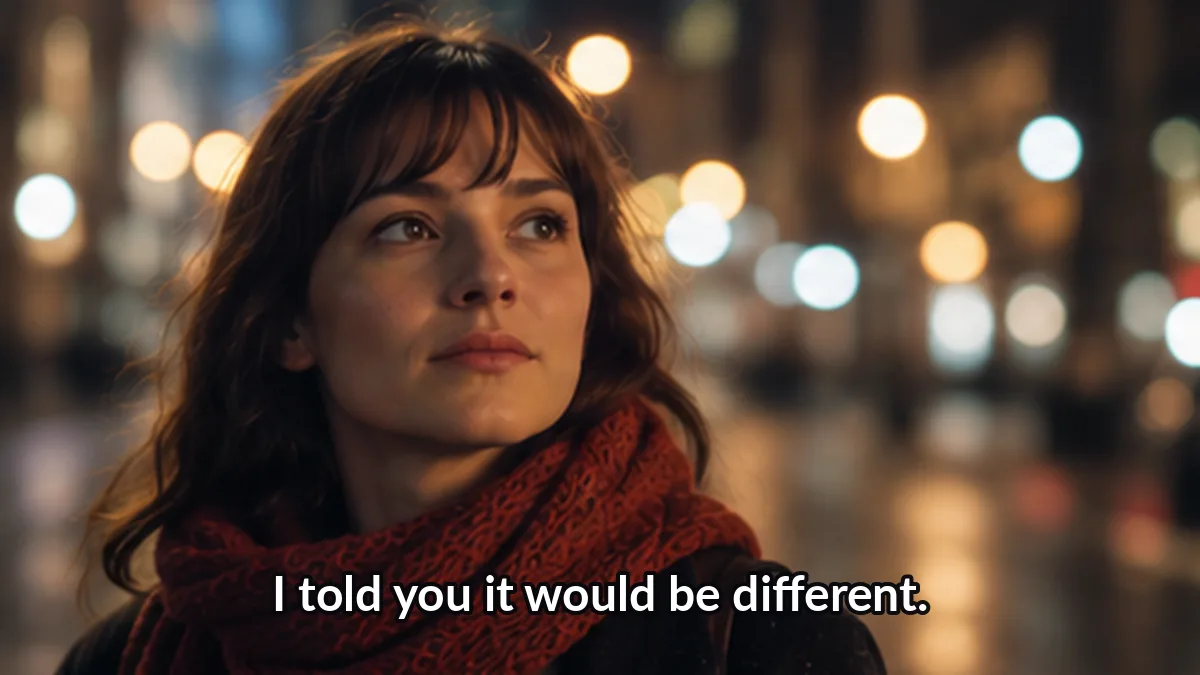 Before
 After
AfterFree · runs in your browser · clips up to 60 s, 100 MB · output up to 720pYour file never leaves this tab — loading, masking and repair all happen locally.
Interactive previewLive preview of the mask editor: drag the box, auto-detect the subtitle zone, and compare before and after. Free online processing for clips up to 60 seconds opens with the public beta — the Windows app already processes full-length files today.
This page exists for one job: when you need to remove text from video frames that was burned into the pixels. Any visible overlay that lives inside the picture — not on a separate subtitle track — is a candidate for the region-select repair pipeline.
Fan translations, dual-language lines and forced subtitles printed on the frame. To remove text from video like this, select the subtitle band and let the repair fill the background behind the letters.
Interview names, news chyrons and intro cards. Move the selection box over the words and remove the text from the video without cropping or blurring the whole frame.
Auto-captions that apps like TikTok, Reels and Shorts burn into exports. You can remove text from video clips you own before reposting them in a new format or language.
A repeated corner logo with letters in it. When you remove text from video watermarks, the repair rebuilds the small covered patch so the result stays watchable.
Dashcam clocks, drone telemetry and camcorder dates. Select the overlay once and remove the text from the video across the whole clip.
Anything visible on the frame: signs you want gone for a clean cut, stray editors' notes, or a phone number. If you can draw a box around it, you can remove text from video frames containing it.
The workflow is the same online and in the Windows app: preview, select, repair, export. You confirm the region before anything is processed, so the tool never erases more than you chose.
Load an MP4, MOV or WebM file. The first frame appears in the preview player, and you can scrub to the moment where the text is clearest before you remove text from video regions.
Drag a rectangle over the words. Start from the suggested subtitle band or place the box anywhere — top, middle or corner. To remove text from video precisely, snap the edges to the outline of the letters.
The engine fills the selected region using the pixels around it, frame by frame. Check the before/after view; if the blend looks soft, shrink the box and remove text from video areas one zone at a time.
Download the cleaned MP4 with untouched audio, original duration and frame order. Nothing is re-timed, so a video where you remove text from the picture still matches its own soundtrack.
Honest limits, stated up front. Region repair rebuilds covered pixels, so results depend on what sits behind the words when you remove text from video frames.
When letters sit over fast action, crowds or faces, the rebuilt patch can look slightly soft. Preview before you export, and remove text from video sections in smaller zones when needed.
This tool removes flat overlays, not moving objects. If you need to erase a person or a car, that is a different job — here you remove text from video regions only.
If your text lives on a switchable subtitle track, you do not need repair at all: turn the track off or remux the file. The caption chooser page explains both paths, and you only run the repair when you truly must remove text from video pixels.
Only edit footage you own or are allowed to modify. Removing a rights holder's marks does not make third-party material yours — remove text from video files you have the right to change.
Short answers to the questions people ask before they remove text from a video for the first time.
Windows
Long recordings, batch folders and 4K sources belong in the desktop app. It runs the same repair engine on your GPU, keeps every file on your disk, and never uploads a byte.
Every removal task has its own page with a matching default mode. Find your exact case and remove text from video the way that fits it best.
We ground our claims in public specifications and documentation. The standards below define how subtitle tracks, media processing and structured data actually work.
“You confirm the mask, the tool repairs the pixels, and your audio survives untouched.”
Pick the entry that matches your task: short clip online now during the beta, or the Windows app for everything else. When you remove text from video with a confirmed selection box instead of a blind filter, the result is a clean frame you actually checked — that is the whole point of this tool.
See how it works