App captions
The blocky white captions every short-form app burns in. The AI caption remover detects them at maximum confidence — strong contrast, fixed zone.
An AI caption remover that shows its work: detection finds on-screen caption blocks and draws candidate boxes, you correct any misses with one drag, and the repair model rebuilds what the caption covered — original audio untouched, before/after preview before export.
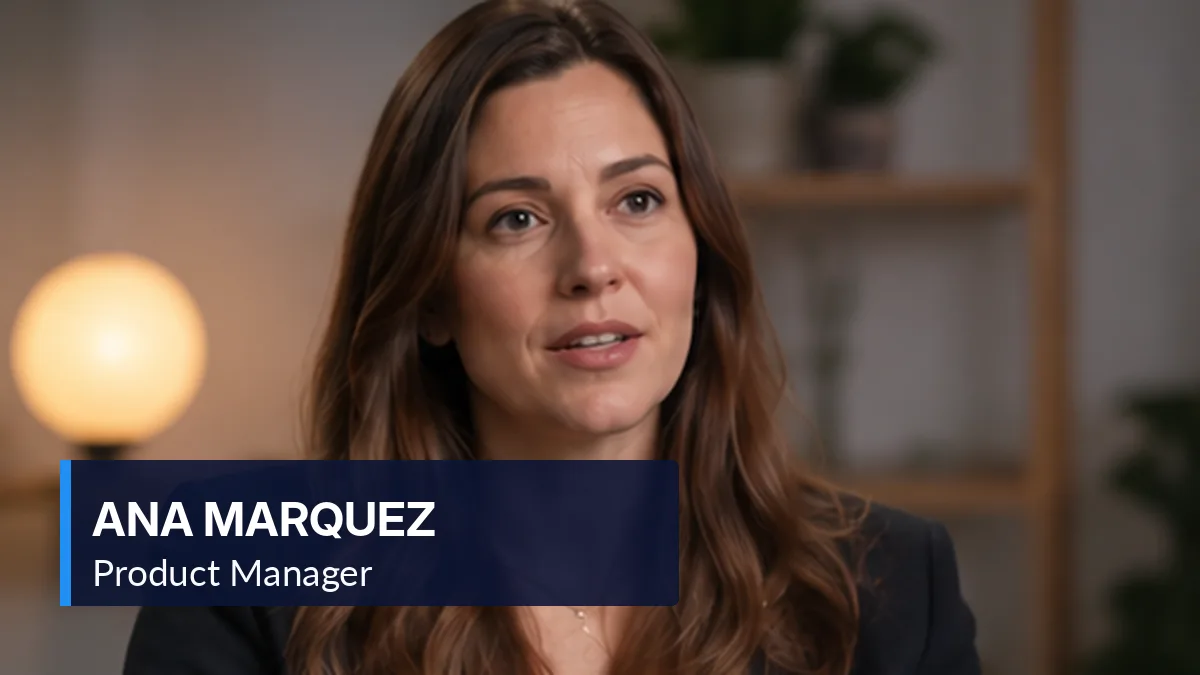 Before
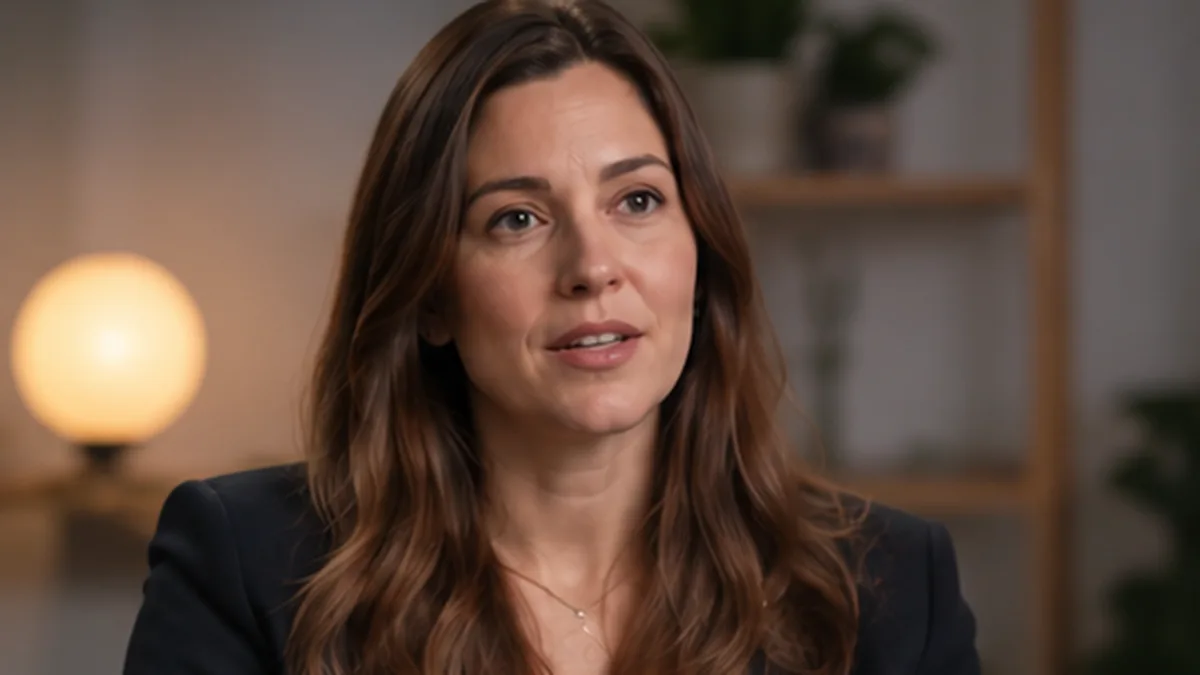 After
AfterFree · runs in your browser · clips up to 60 s, 100 MB · output up to 720pYour file never leaves this tab — loading, masking and repair all happen locally.
Interactive previewDetect proposes the caption box, you adjust it, the patch rebuilds — that is the whole AI caption remover contract. Clips up to 60 seconds run online during the beta; the Windows AI caption remover takes any length with the same models.
The AI caption remover is built for captions rendered into the frame — app captions, broadcast captions, hard translations. Detection proposes; you approve; repair executes.
The blocky white captions every short-form app burns in. The AI caption remover detects them at maximum confidence — strong contrast, fixed zone.
Broadcast captions with backgrounds and borders. The AI caption remover masks the full box, not just the letters, so no frame edges survive.
Re-uploads carrying a second language over the original. The AI caption remover covers both lines when you confirm the wider box.
Lower thirds look like captions to the detector. The AI caption remover lists them as candidates — you keep what you want and uncheck the rest.
Latin, CJK, Cyrillic and Arabic detection. When glyphs are stylized beyond OCR, the AI caption remover still proposes a region — repair works on zones, not characters.
Switchable caption tracks get the lossless strip route. A good AI caption remover knows when not to use AI.
The pipeline keeps you between detection and destruction, every single job.
OCR scans sampled frames and returns ranked candidate boxes drawn on your preview. The AI caption remover never cleans what you have not seen.
Missed the caption edge? Pull the handle. Found a false positive? Uncheck it. Ten seconds of correction buys a clean AI caption remover export.
The model rebuilds confirmed regions frame by frame. Flip the before/after view — the AI caption remover shows seams honestly, including soft ones.
Download the MP4 with the audio stream, duration and frame order untouched. The AI caption remover edited pixels only — and only the ones you approved.
Four limits worth reading before you trust any AI caption remover, including this one.
Stylized fonts and low contrast produce loose boxes. The AI caption remover shows candidates so you catch them in seconds.
Hidden faces come back plausible, not perfect. The AI caption remover flags the risk at preview — no surprises after export.
Karaoke word-pop captions change footprint per frame. Wider masks help; perfect tracking of animations is not promised by any honest AI caption remover.
Clean only footage you own or may edit. An AI caption remover output is still bound by the source material's rights.
What people ask before handing captions to an AI caption remover.
Windows
The desktop build of the AI caption remover: same models, any length, GPU acceleration, batch queue, zero uploads.
Subtitle-focused AI, manual caption removal and the free online tier.
We ground our claims in public specifications and documentation. The standards below define how subtitle tracks, media processing and structured data actually work.
“You confirm the mask, the tool repairs the pixels, and your audio survives untouched.”
The AI caption remover works because the loop is short: detect, adjust, preview, export. Try the sample above — correct one candidate box — and captions stop being a re-shoot problem.
See AI caption detection