Finds subtitles you did not point at
The detection pass reads sample frames and marks every probable subtitle box — including positions a template would miss. That is the first job of an AI subtitle remover.
An AI subtitle remover with the human kept in the loop: OCR detection proposes candidate subtitle boxes in one click, you approve or correct them, and the repair model rebuilds the background before your eyes. Editable detection is the difference between an AI subtitle remover you can trust and one that silently erases half your picture.
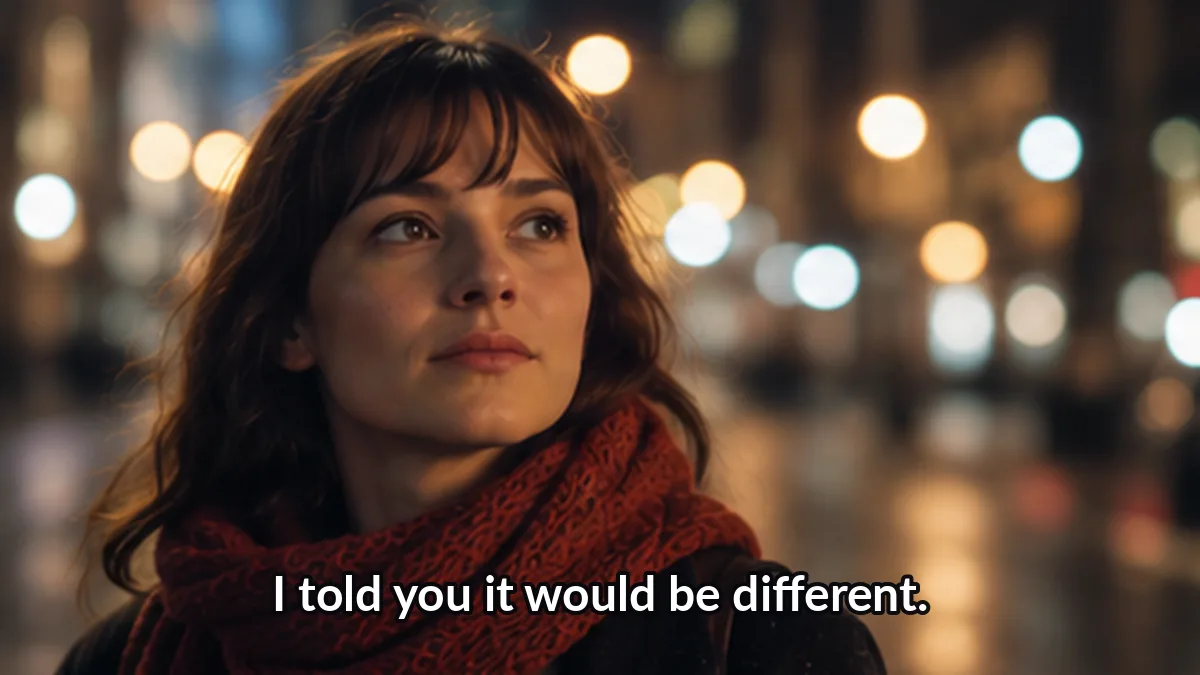 Before
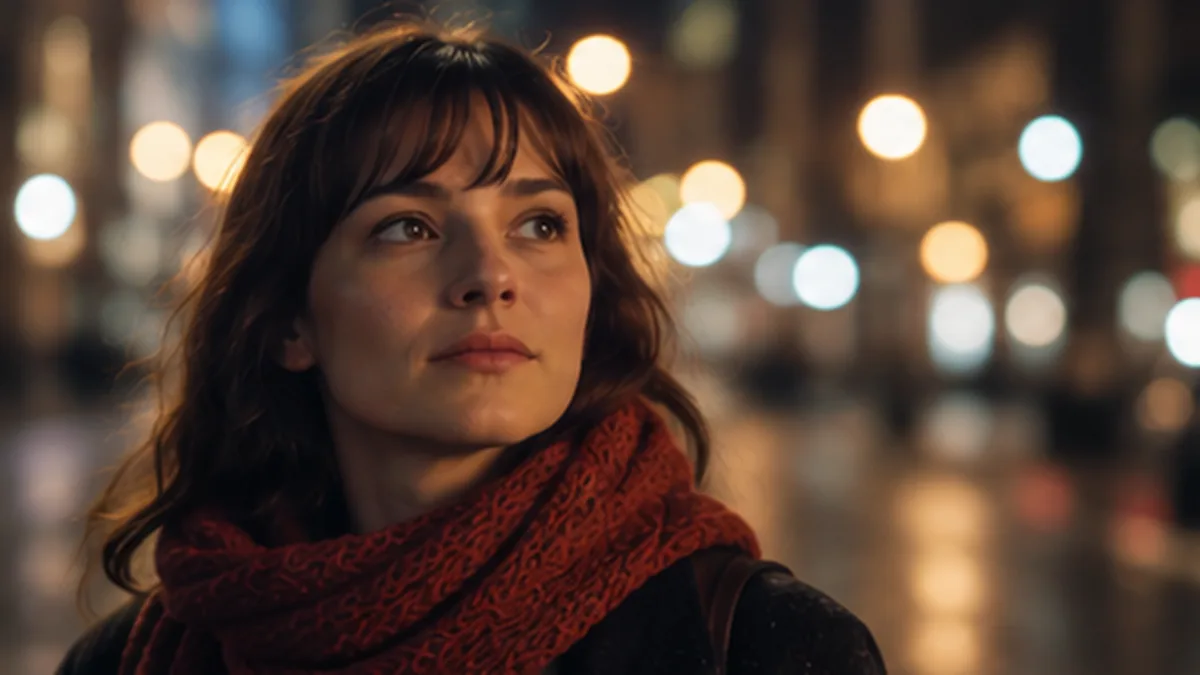 After
AfterFree · runs in your browser · clips up to 60 s, 100 MB · output up to 720pYour file never leaves this tab — loading, masking and repair all happen locally.
Interactive previewThe Detect button is the AI part: candidate boxes appear, you confirm or drag them, then the repair previews. This AI subtitle remover processes clips up to 60 seconds online during the beta; the Windows app takes any length with the same models.
AI in this AI subtitle remover means two concrete things: reading the frame to find subtitle text, and synthesizing the pixels behind it. No magic, no full-video understanding — two focused models, both supervised by you.
The detection pass reads sample frames and marks every probable subtitle box — including positions a template would miss. That is the first job of an AI subtitle remover.
Candidate boxes are suggestions until you confirm them. An AI subtitle remover that wipes without asking is how faces lose chins; this one stops at the proposal.
The repair model fills the confirmed region from surrounding pixels and neighboring frames — the second half of what makes an AI subtitle remover useful.
Detection reads Latin, CJK, Cyrillic and Arabic scripts. Even on weak OCR frames, this AI subtitle remover still masks the whole text zone — recognition errors degrade gracefully.
On the margin, the AI subtitle remover may flag a street sign as a subtitle — one glance at the candidate list and you uncheck it. Supervision takes seconds.
Adjust a candidate box and the tracker applies your geometry across frames — the AI subtitle remover does the repetitive part, you do the judgment.
Detect, approve, repair, export. The AI subtitle remover pipeline in four moves:
One click runs OCR across sampled frames. The AI subtitle remover returns candidate boxes ranked by confidence, drawn directly on your preview frame.
Uncheck false positives, drag edges on true ones. This approval step is what makes an AI subtitle remover safe on real footage.
The inpainting model rebuilds the approved regions frame by frame. Watch the before/after — if the AI subtitle remover left a ghost, widen the box once.
Download the result: original audio, duration and frame order. The AI subtitle remover changed exactly the regions you approved.
Any AI subtitle remover claiming perfection is marketing. These are the real limits of this one.
Fancy fonts and low contrast produce imperfect boxes. That is why the AI subtitle remover shows candidates instead of acting silently.
Smooth gradients rebuild invisibly; crowds and rain get soft. The AI subtitle remover preview shows you which case you are in.
No model reconstructs a hidden face. The AI subtitle remover warns at preview instead of shipping uncanny output.
This AI subtitle remover removes text regions — pointing it at moving objects to delete is out of scope by design.
What people ask about letting an AI subtitle remover touch their footage.
Windows
The same detection and repair models packaged for the desktop: any length, GPU-accelerated, batch queue, fully local.
Caption-focused AI, classic subtitle removal and free online runs — one page each.
We ground our claims in public specifications and documentation. The standards below define how subtitle tracks, media processing and structured data actually work.
“You confirm the mask, the tool repairs the pixels, and your audio survives untouched.”
That is the contract of this AI subtitle remover: automatic detection, human approval, honest preview. Run the Detect button on the sample frame, correct one box, and you will understand the whole pipeline in thirty seconds.
Run AI detection on the sample